Initial setup
Create the suppliers, item categories, and shipment carriers used when purchasing and receiving inventory.
Open setup guideUse these guides while you set up ShowTrack, receive tagged inventory, and record sales through the workflow that matches how an item was sold.
The first two guides establish the choices and records that every later inventory and sales workflow depends on. The workflow overview connects those details to the full operating cycle.
Create the suppliers, item categories, and shipment carriers used when purchasing and receiving inventory.
Open setup guideMove from a purchase order through shipment, receipt, QR tagging, and unit-level receiving.
Open receiving guideSee how purchasing, receiving, live selling, post-show scanning, and reporting remain connected.
See the full workflowThe screenshot-led product tour remains available alongside these operational guides. Open either image for a full-size view of the current demo workspace.
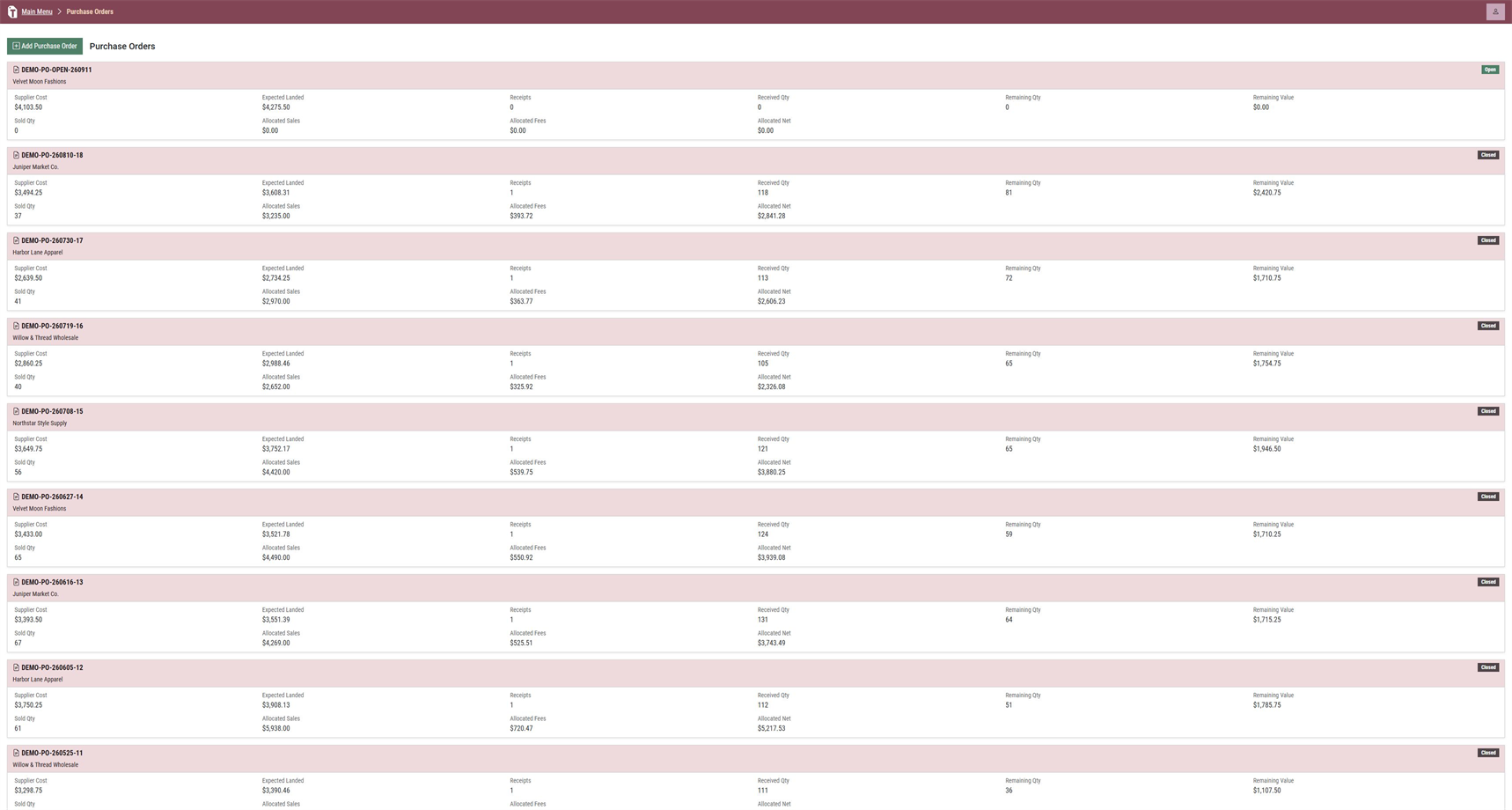
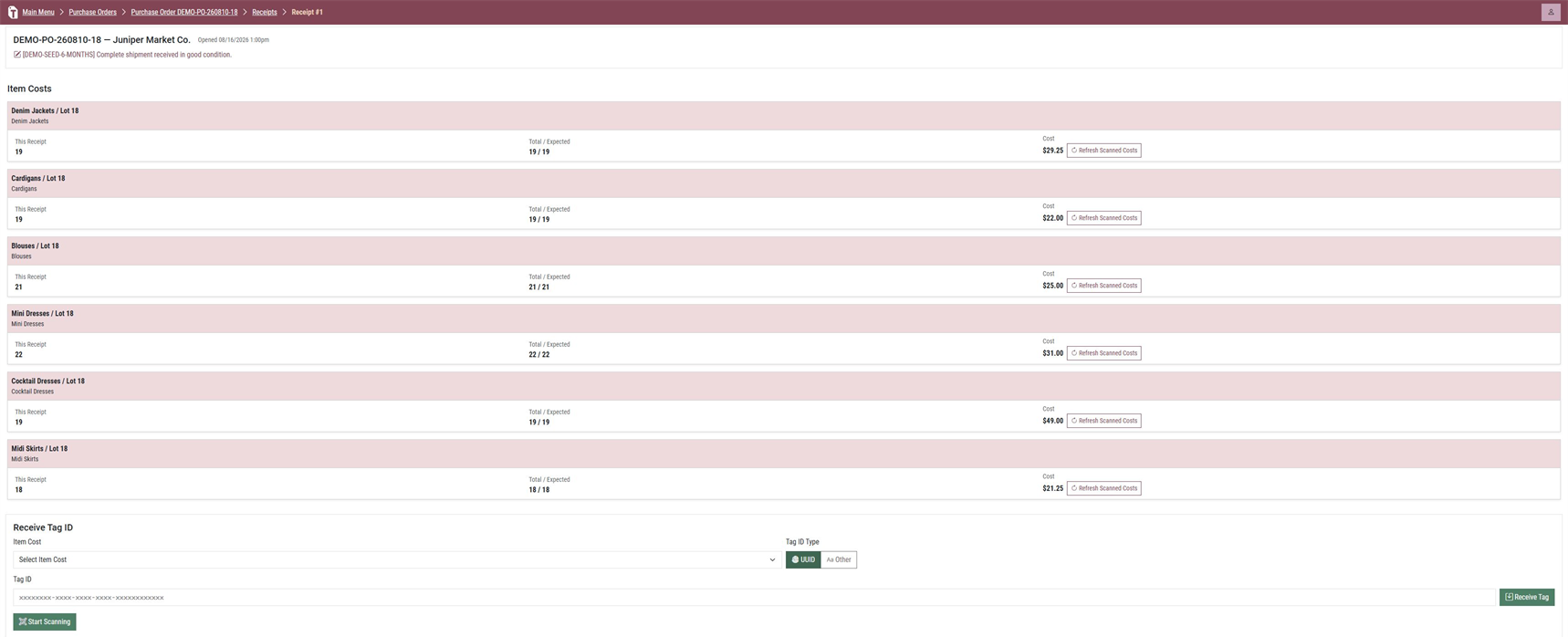
Use the workflow that matches the sale. Each one moves the exact tagged unit out of received inventory while preserving the right sales context.
Create the show, process the Whatnot CSV, and scan sold inventory using either show totals or sale-by-sale matching.
Open the four-step guide In-person groupCreate or select an event, enter the price, and scan each tagged item into that event’s sales group.
Open the two-step guide Single direct saleDescribe a one-off sale, enter the price, and scan the item without creating an event or importing a file.
Open the three-step guideBegin with the three setup choices, then follow the receiving and sales paths that fit your business.