Where did it come from?
Supplier, purchase order, receipt, category, who received it, and the recorded date.
ShowTrack assigns a distinct identity to every received item. Scanning that QR tag can bring its purchasing source, receipt, cost, inventory status, and sale history back together.
Open a purchase-order receipt on a phone, select the expected category, and point the camera at the item’s QR tag. A successful scan adds that physical unit to the receipt and confirms it on screen.
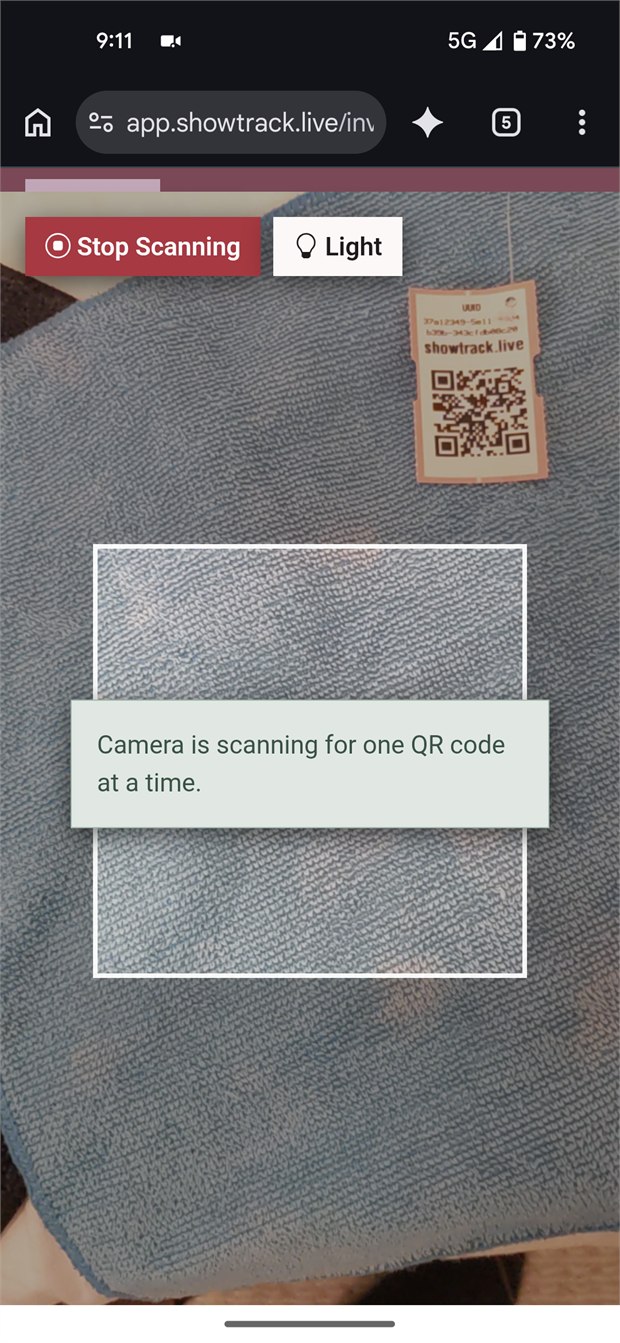
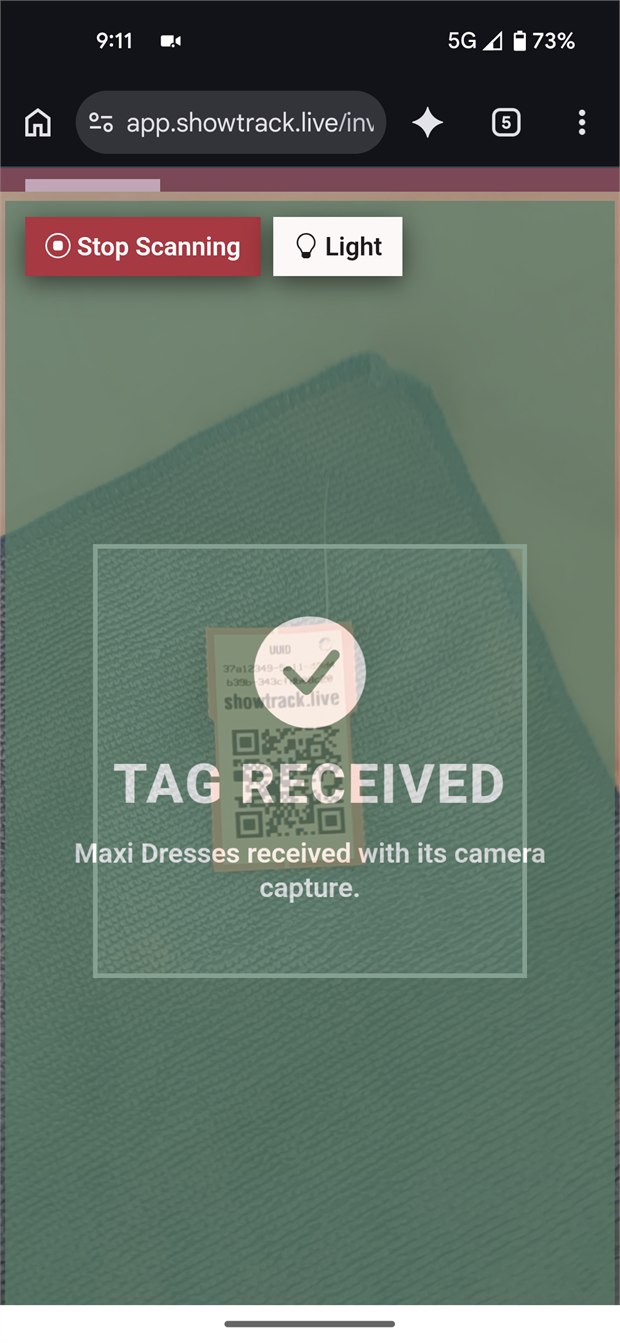
Supplier, purchase order, receipt, category, who received it, and the recorded date.
Current status, cost, age, and the source records behind the inventory entry.
Post-show scan sequence, matched marketplace sale, estimated fees, and profit context.
The QR tag is not scanned during the live show. Afterward, the operator scans sold tags in the physical sale-tag sequence, allowing ShowTrack to change the exact unit from received to sold and associate it with the correct show sale.
See the post-show reconciliation processA tag lookup can show the item’s origin, receiving details, recorded cost, status, and matched sale history from one unit record.
Start a trial or ask how tags could fit your receiving workflow.