Purchasing and suppliers
Keep supplier orders, category quantities, shipments, expected dates, and purchase-level costs together.
ShowTrack connects purchasing and QR-tagged inventory to the completed Whatnot show export—without adding a scanning step while live. The same inventory record also supports events and direct sales.
Live-selling operations often purchase groups of similar merchandise, receive those units at different landed costs, and sell them one at a time. ShowTrack preserves the identity and source of each physical item through that cycle.
Keep supplier orders, category quantities, shipments, expected dates, and purchase-level costs together.
Scan a unique QR tag as each item is received and connect it to the correct receipt and category cost.
Use simple numbered sale tags during the show instead of interrupting the selling flow with software scanning.
Upload the Whatnot show file, then scan sold units in sequence after the show to connect physical inventory with marketplace sales.
Review received units by category or supplier with known value, age, cost coverage, and purchase history.
Review allocated sales, estimated selling fees, recorded goods cost, profit, and profit per item.
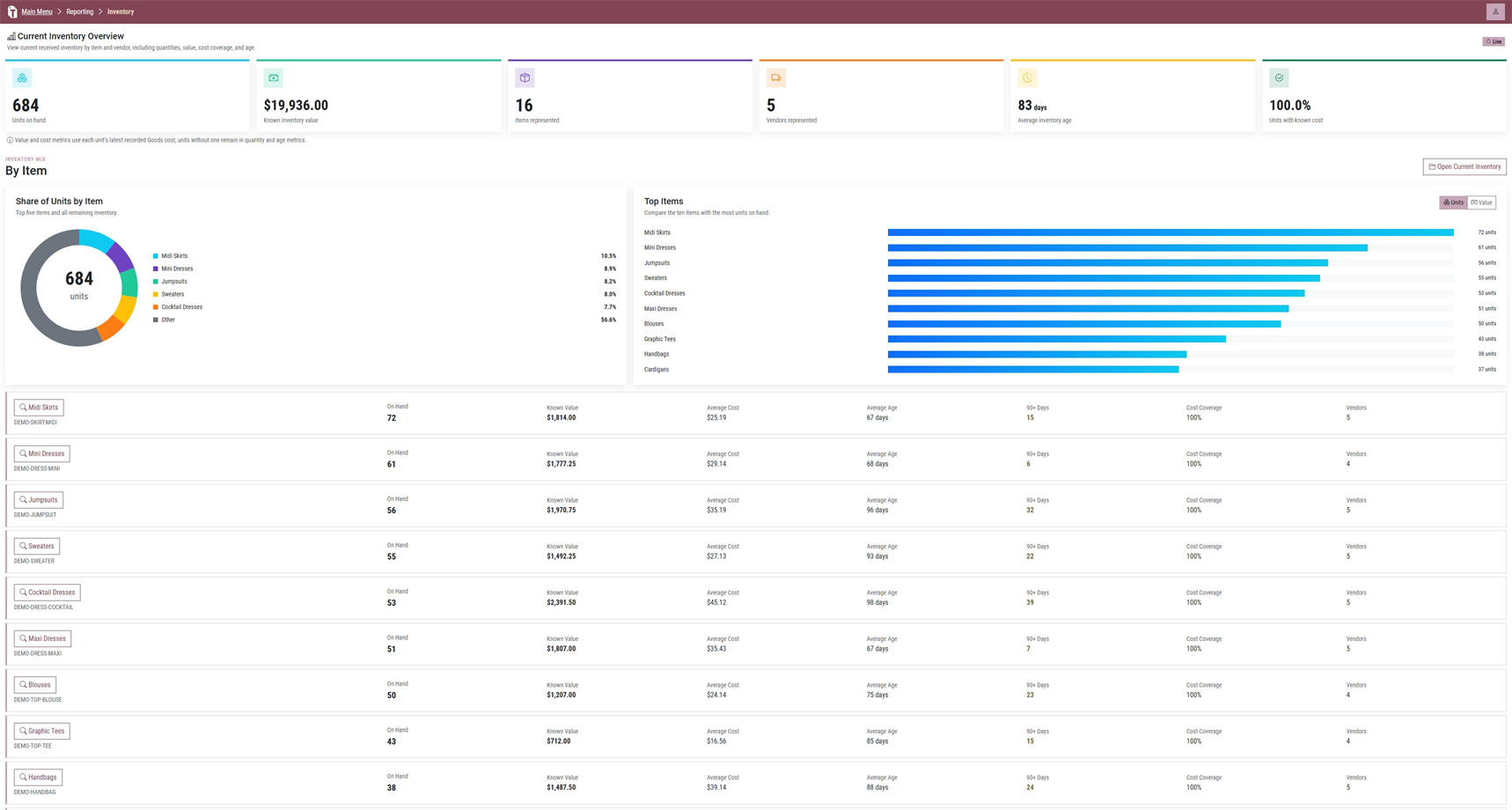
How many units are currently on hand?
Which supplier and purchase order produced this item?
What goods cost is recorded for this physical unit?
Which sale and show did this unit belong to?
Which categories are carrying old or uncosted inventory?
Whatnot is the primary workflow, not the only place ShowTrack can record a sale.
Start a 30-day trial or ask us about your buying, receiving, and selling workflow.